

Retail



Have confidence that every checklist, form, or document across your sites is being completed correctly, by the right person, in the right place, not skipped over, outdated or misplaced. Streamline administration while improving compliance and business good practice with one tool.
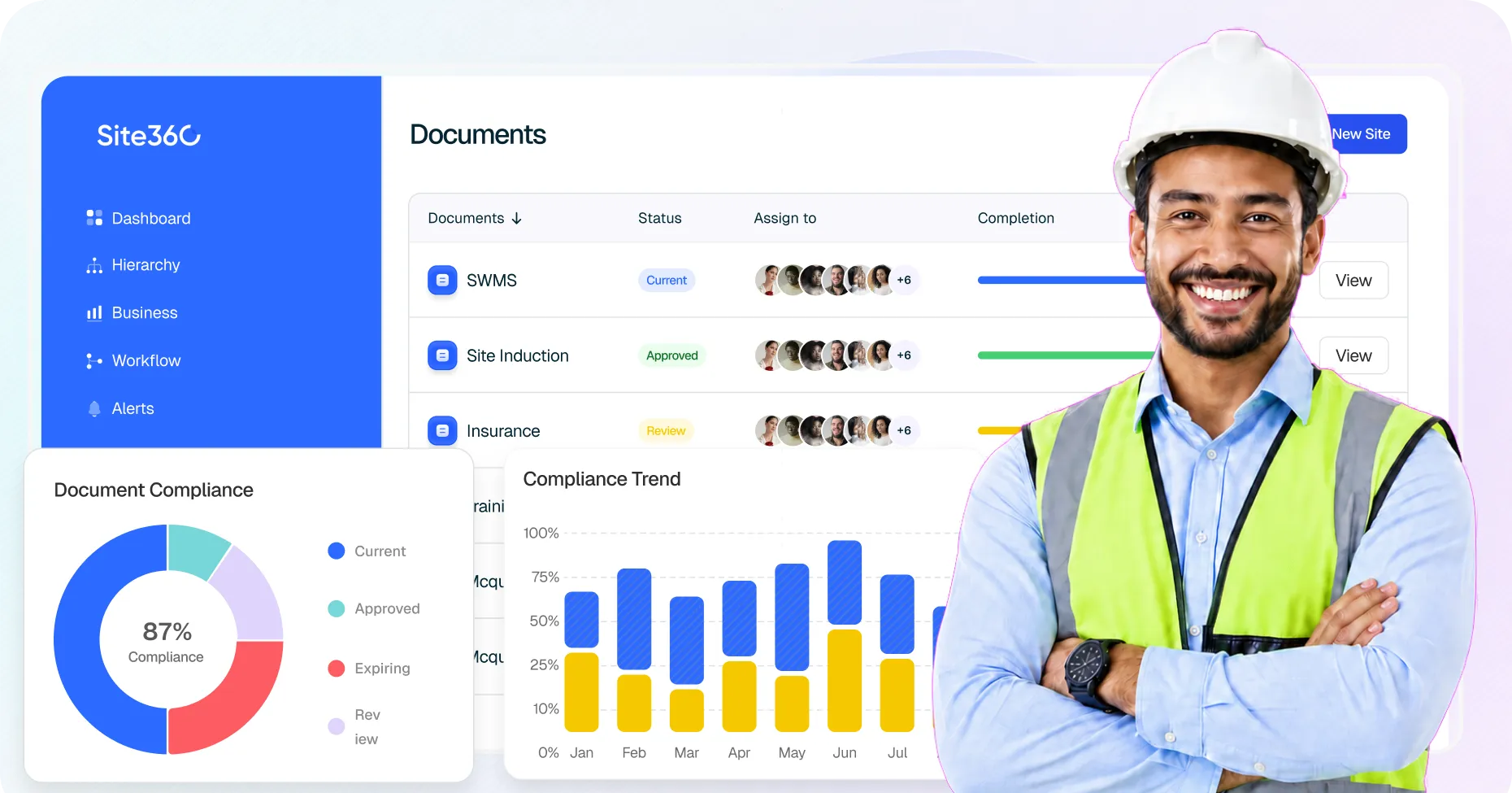
We work with the forms and processes you already use. Site360 transforms paper-based forms, checklists and site documents into streamlined digital workflows tailored to your business, workforce and compliance requirements.Need help creating new forms or improving existing ones? Our team can build and structure them for you, ensuring every site captures the right information, every time.







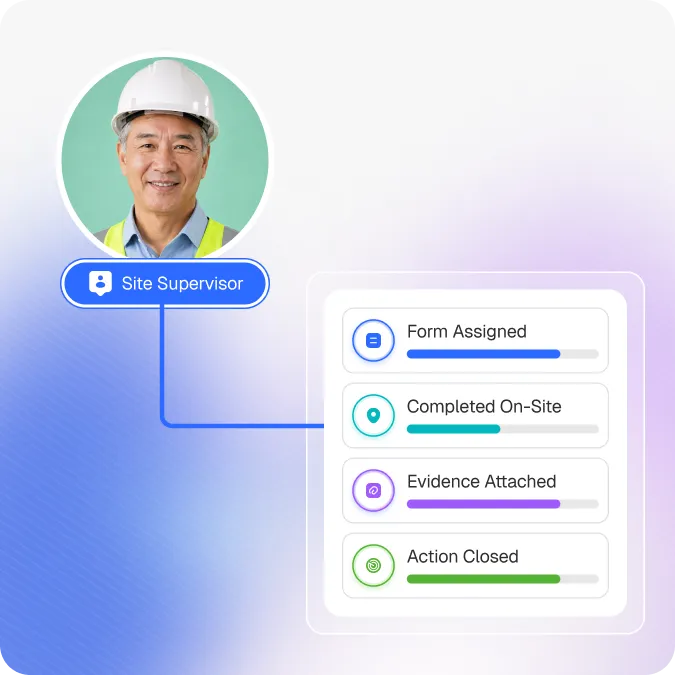
Site360 digitises your forms and documents across all sites, giving head office confidence in uniform, compliant standards everywhere. Workers only see what's relevant to their visit — an electrician gets the floor wiring diagram, a cleaner gets the daily checklist, builders get the asbestos register. Visitors only have access to and can see what they need to. Keeping it simple and secure for more streamlined visits.

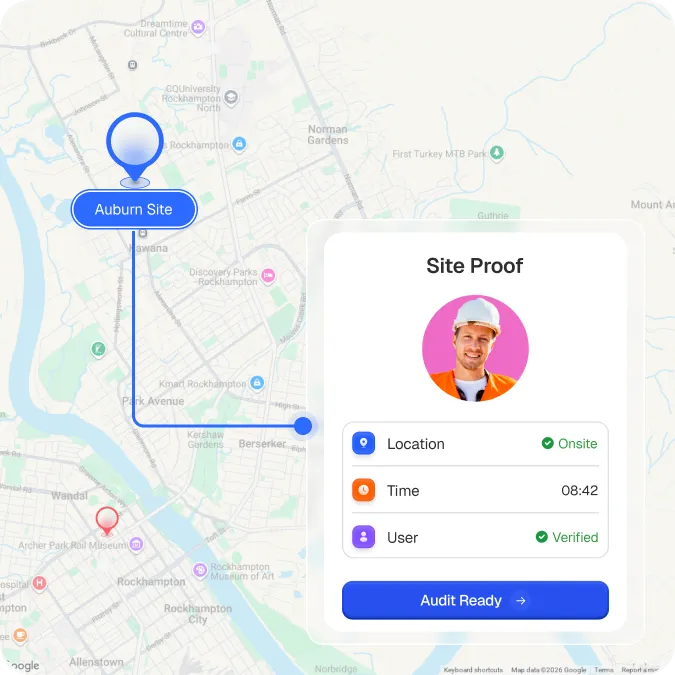
A forgotten, uncompleted form sitting on a site manager's desk doesn't keep a site compliant or safe — and a generic digital form isn't much better if you can't prove where it was signed or by whom.Site360's geofencing automatically captures location, time, and user profile at every sign-in. Businesses can prove exactly where and when any form was completed, and by whom — instantly. Airtight audit logs. Zero ambiguity. Something competitors still relying on QR codes simply can't match.
Documents and forms are location-specific — meaning a visitor at one site can see a completely different set than at another, fully configurable by you. The right documents and forms, for the right people, at the right place.
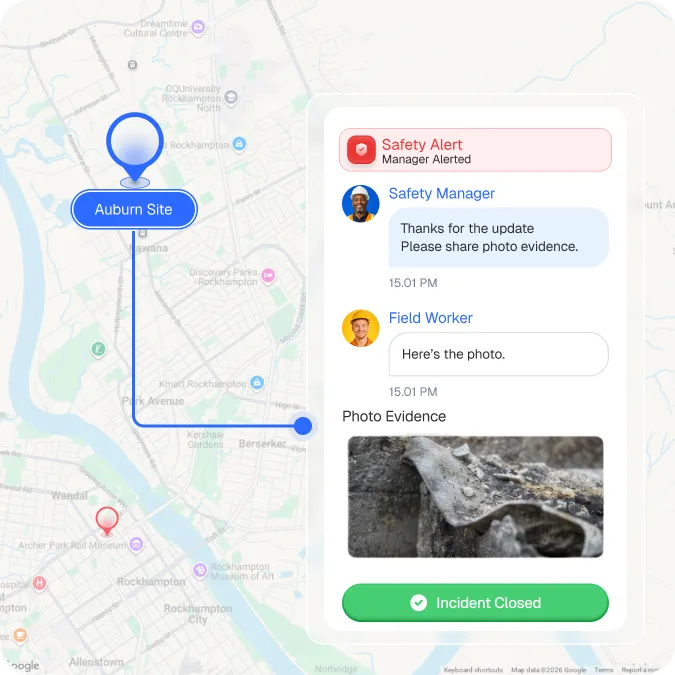
Data is only useful if you can act on it. If a contractor completes an incident report or answers "No" to a required PPE check, Site360 immediately alerts the relevant site manager and triggers incident closeout.
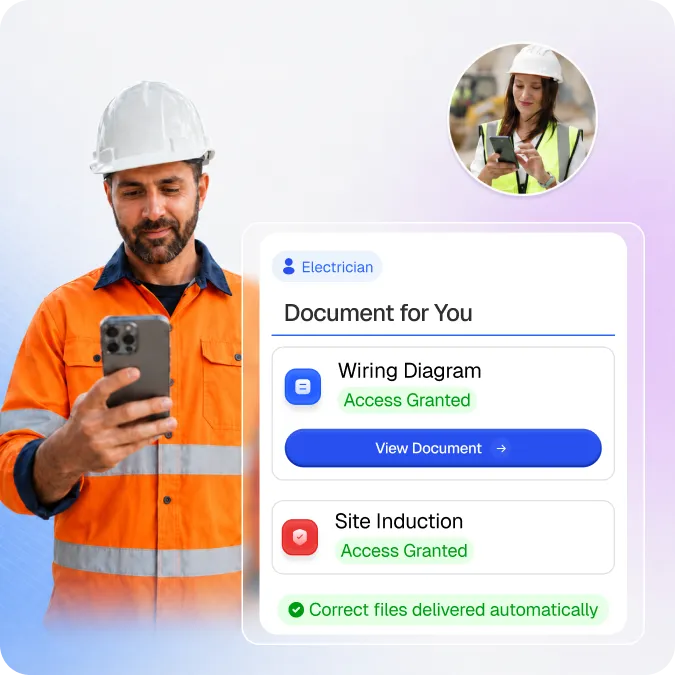
If a system is hard to use, workers won't use it. Site360 strips away the complexity — when a worker checks in, they only see what's directly relevant to their visit.

From setup to security, here’s everything you need to know before getting started.
Anything from daily safety checklists, incident and hazard reports, cleaning logs to Electronic Work Authority Forms (eWAFs) and SWMS. If you currently manage it on paper or in a spreadsheet, we can digitalise it.
Our patented geo-fencing technology verifies a worker's physical location at the moment a form is submitted, automatically attaching location, time, and user data — something QR codes can't guarantee.
The system immediately alerts the relevant site manager and triggers our incident closeout workflow, including communication threads and photo evidence, so issues are tracked through to resolution.
Yes. Document delivery is role-based — for example, an electrician is shown the relevant wiring diagram while another trade sees their own specific instructions, reducing confusion and protecting sensitive information.
No, our team builds, configures, and digitalises your inductions, forms and documents for you, based on your feedback and requirements.